
Why Visa Applications Fail Due to Laminated Certificates – Important Tips for Overseas Job Applicants
Many visa applications are rejected because applicants submit laminated certificates. Learn why lamination creates problems during document verification and how to properly prepare your educational certificates for international opportunities.
REMOVE LAMINATION
Viral Gala
3/12/20262 min read
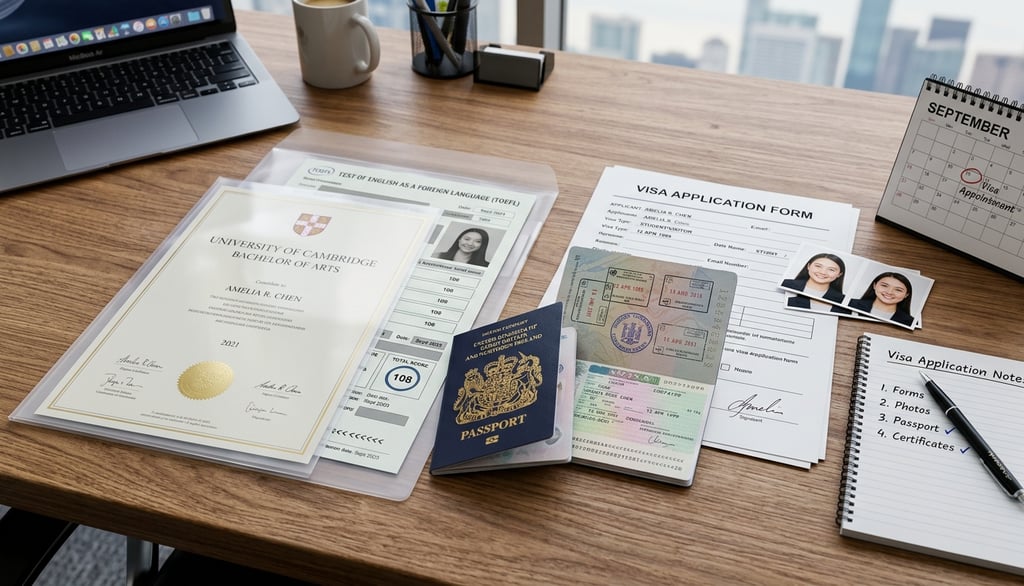
Why Visa Applications Fail Due to Laminated Certificates – Important Tips for Overseas Job Applicants
We spend years studying, working hard, and dreaming of that big international break—whether it’s a high-paying job in Dubai, a Master's degree in Canada, or a new life in Australia. But imagine all that effort coming to a screeching halt because of a thin layer of plastic.
It sounds crazy, right? We laminate our 10th, 12th, and Degree certificates to protect them. We think we’re being responsible. However, in the world of Document Apostille and Attestation, that "protection" is often seen as a red flag or a physical barrier to entry.
If you’re planning to move abroad, here is the honest truth about why your laminated documents might be your biggest hurdle—and how to fix it.
Why the Plastic Barrier is a Problem
When you submit your papers to an embassy or the Ministry of External Affairs (MEA), they don't just look at your grades. They need to verify the soul of the document:
The "Wet" Signature: Officials need to feel the texture of the ink and the indentation of the seal. Lamination masks these tactile security features.
The Backside is Key: Most people forget that the back of your certificate is where the magic happens. Authorities need to place physical stamps and holographic stickers there. You can't stamp plastic!
The "Fraud" Factor: On forums like r/immigration, you’ll find countless stories of officials rejecting laminated papers because they suspect the plastic is hiding an alteration or a forgery.
Frequently Asked Questions (FAQ)
Q: My certificates are already laminated. Am I in trouble? A: Not necessarily, but you cannot submit them for attestation as they are. You will either need to get a "Duplicate" from your University (which is time-consuming) or have the lamination professionally removed.
Q: Can I just peel the lamination off myself at home? A: Stop! Do not try this with a knife or a standard iron. You risk peeling off the ink or the paper's top layer, which renders the document permanently invalid.
Q: Which documents are most sensitive to lamination? A: Your Degree Certificate, Birth Certificate, and Marriage Certificate are the most critical for visa processing.
Pro-Tip: Protecting Your Future
Instead of permanent lamination, use high-quality transparent sleeves or "leaf-folders." This keeps the dust and moisture out while allowing you to slide the document out whenever an official needs to stamp it.
Watch: The Risks of Lamination Removal
Before you try any DIY methods, watch this to understand why certificate paper is so delicate: How to Remove Lamination Safely (Search for: "Lamination removal from original certificates")
How We Can Help You
At 360 VR Photography, we are obsessed with clarity and preservation. While our core expertise lies in high-tech 360° Virtual Reality and Digital Twins, we understand that the physical world—and your physical documents—must be perfect first.
If you’ve already made the mistake of laminating your precious marksheet or degree, don't panic. We offer a specialized service to safely restore your documents to their original state.
Our Services Include:
Professional Lamination Removal: Using safe, tested techniques to save your original ink and paper.
Digital Archiving: Once cleaned, we can create high-resolution digital backups for your records.
Immersive Documentation: For institutions, we create Metaverse-ready virtual environments for training and records.
Contact Viral Gala Today
Don't let a piece of plastic stand between you and your visa.
Phone: +91 9920322366
Lamination Removal Website: howtoremovelamination.com
Main Business Websites: 360vrphotography.com | 360vrphotography.in
